Projects
1. Creating a Project
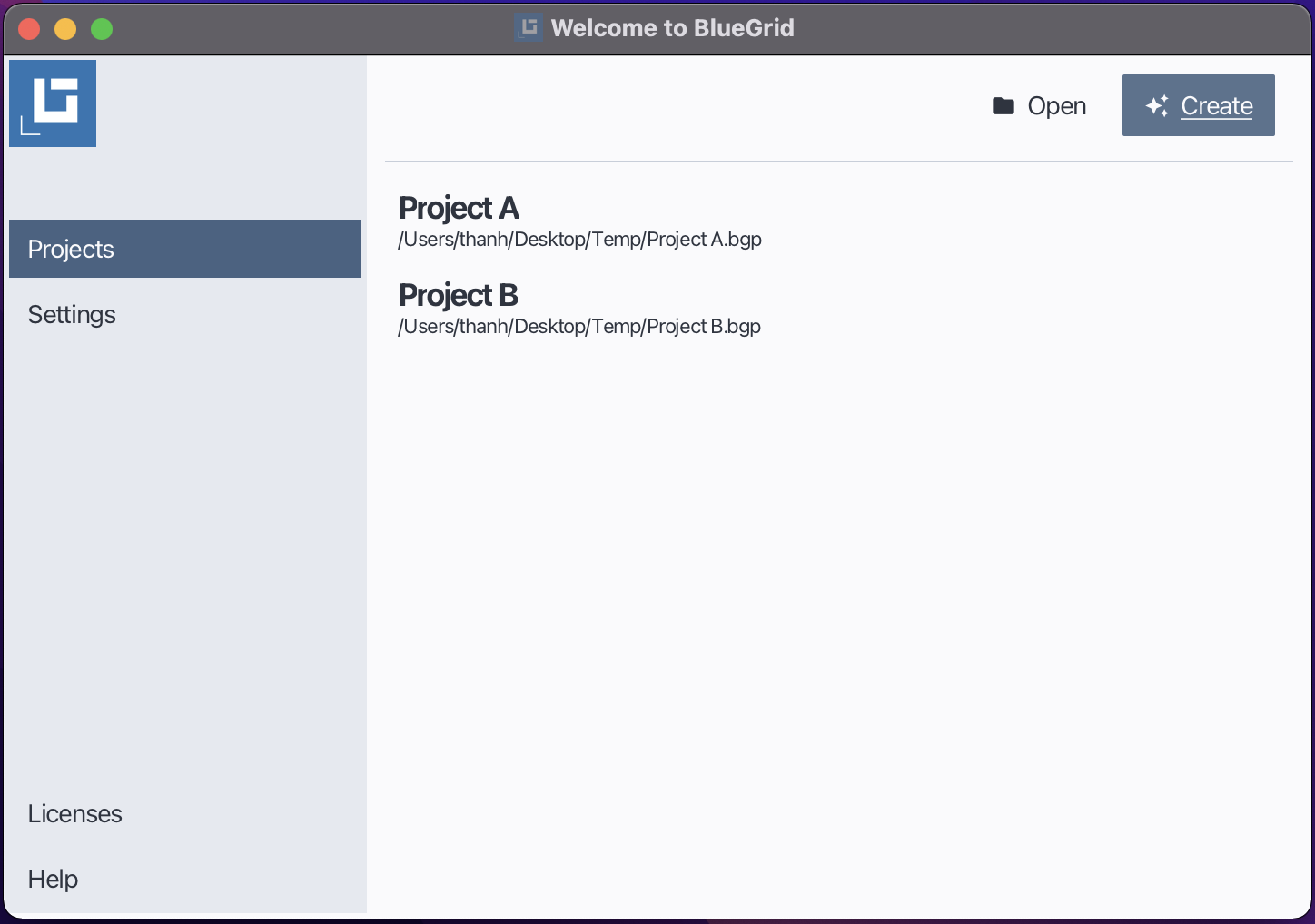
In Bluegrid, before executing a take-off project, you need to create or open a project. Follow these steps to create a new project in Bluegrid:
Open the Starter Window.
Click New.
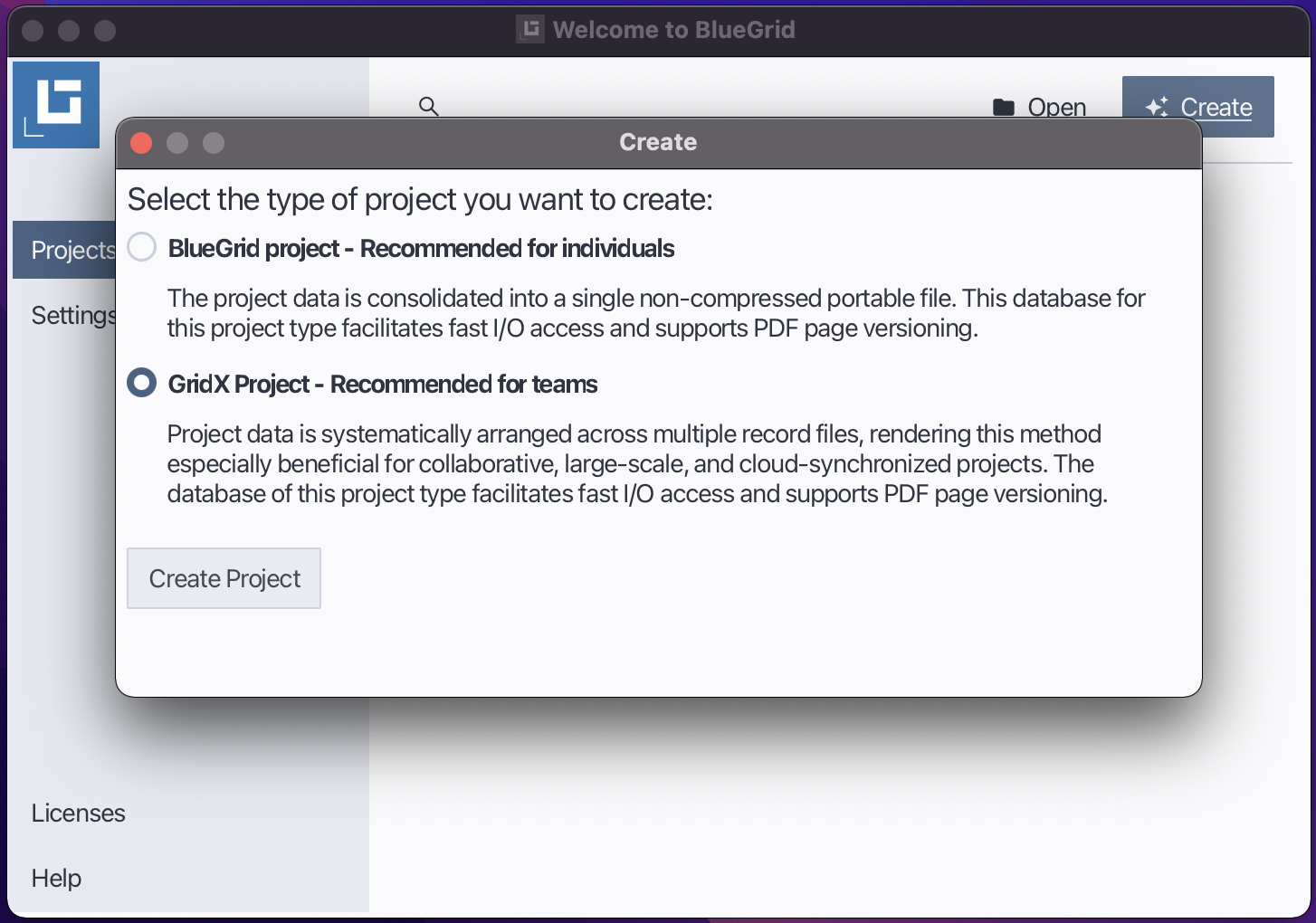
In the Project Type dialog, select one of the following:
BGP Project — Stores the entire project database in a single, portable file.
GDX Project — Stores the project database across multiple files for faster read/write performance.
Click Create.
In the Save As dialog, choose a location and enter a name for your project file.
Click Save to create the project.
Create a new project
Select project type
2. Opening a Project
You can open an existing project using one of the following methods:
Click Open and browse to your project file and then click Open in the file dialog.
Open an existing project
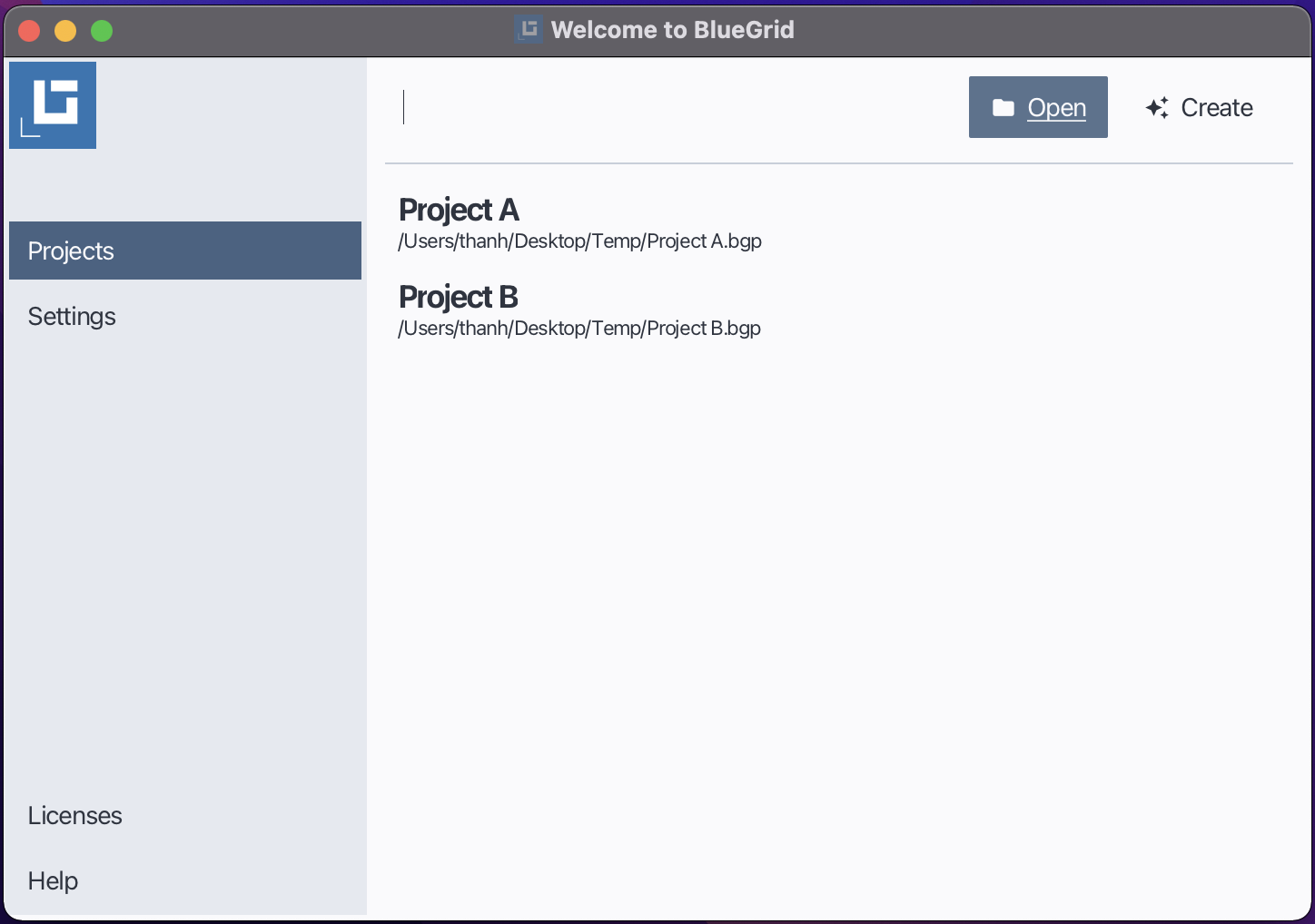
Double-click on the project from the Recent Projects list.
Open a recent project
